
A savings goals app lets you set a target amount and a date for something you want to pay for, then tracks how close you are. In ObsyMint Goals every goal has a target, a date and a progress bar that moves each time you add money.
How goals work
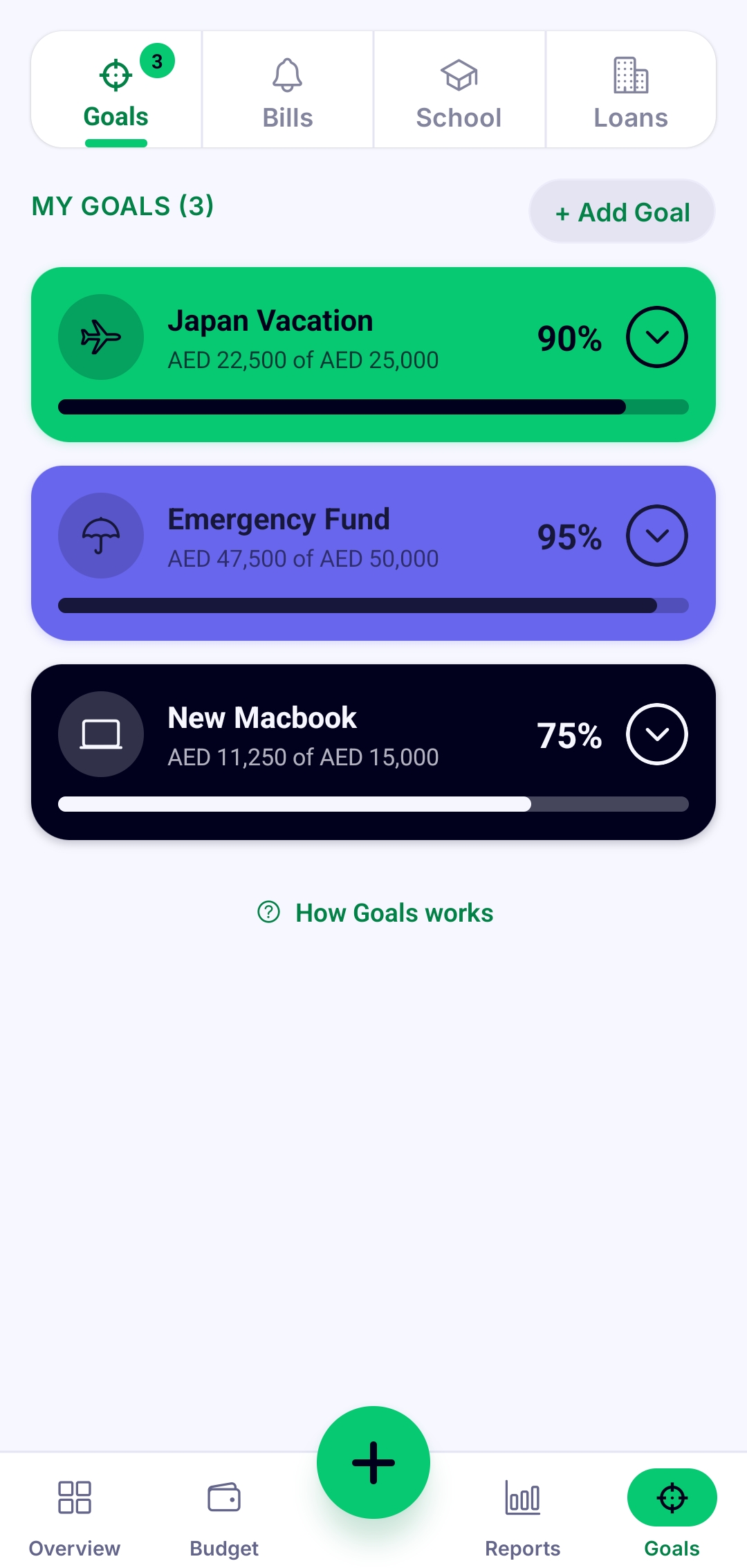
Create a goal, give it a target amount and a date, and start putting money toward it. The progress bar moves every time you log a contribution, so a goal stops being an abstract wish and becomes something you can see getting closer.
A simple way to set a goal that sticks
- Name it specifically. "Japan trip" is easier to protect than "savings".
- Pick a target you can actually check, like the real cost.
- Choose a date, because a goal without a date is easy to postpone.
- Divide the target by the number of months. A goal of 6,000 in 12 months needs 500 a month. That is an example, use your own numbers.
- Give that monthly amount a place in your budget so it is planned, not left to whatever remains at the end of the month.
Goals and your budget in one place
Goals sit on the same overview as your income, spending, bills and loans. You can see what you are saving next to what you are spending, which makes it easier to notice when one is crowding out the other.
Free and Pro
Goals are part of the free app. Pro is a one-time upgrade that unlocks unlimited Goals, along with unlimited Loans & Bills and Smart Calculation, and removes ads.
Common questions
What is the difference between a goal-setting app and a budgeting app?
A budgeting app is about your month: what comes in and what goes out. A goal-setting app is about a specific target: how much, by when, and how far along you are. ObsyMint Goals has both in one app.
Can I track more than one goal?
Yes. The Goals screen lists your goals together, and Pro unlocks unlimited Goals.
Does it connect to my savings account?
No. You log the money you put toward each goal yourself, and it stays on your phone.
Do I need an account?
No. There is no sign-up. You set a PIN and start.