
A budgeting app helps you decide where your money should go each month, then shows how your real spending compares. ObsyMint Goals does that with a monthly budget, planned and actual amounts side by side, and a remaining balance that updates as you log spending.
How a budget works in ObsyMint Goals
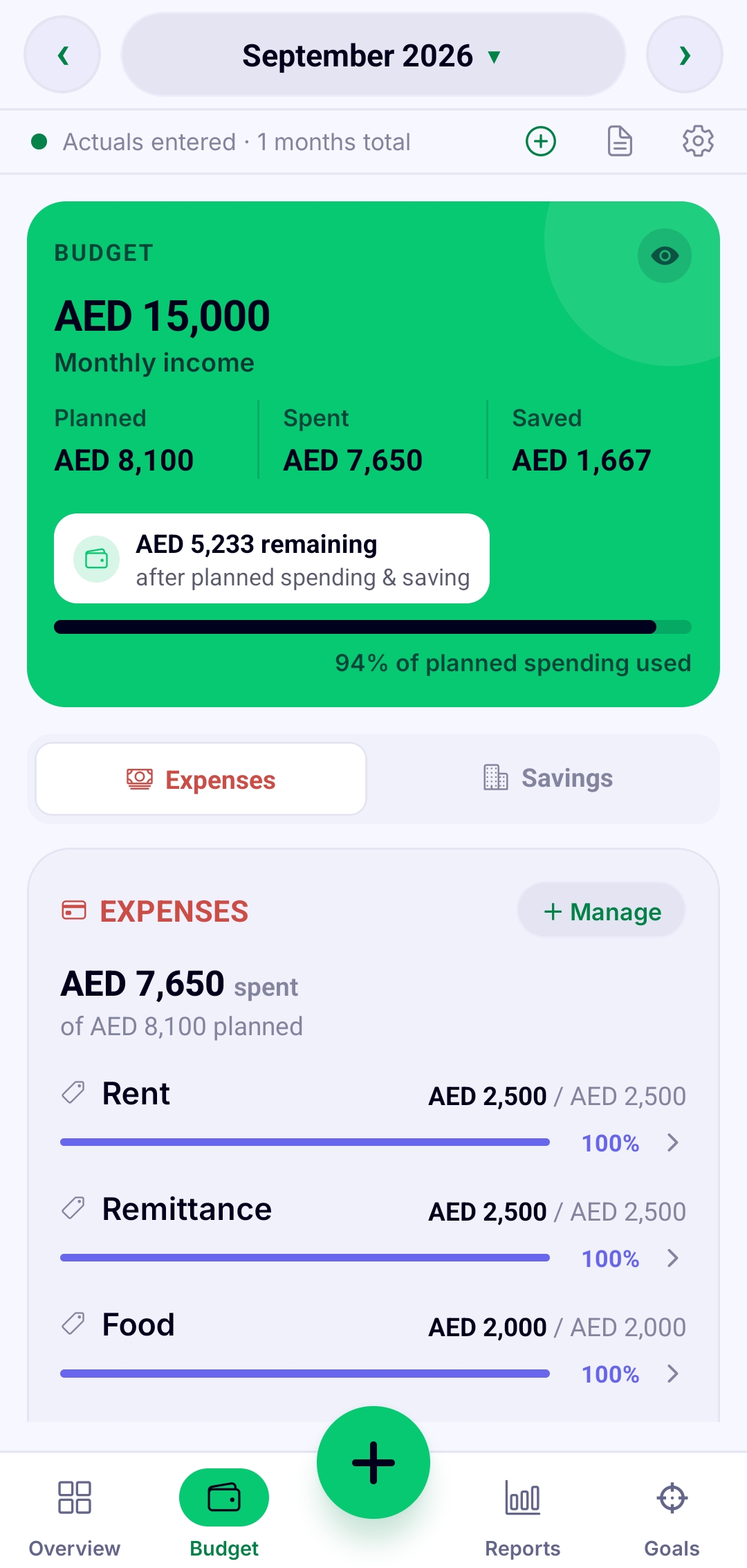
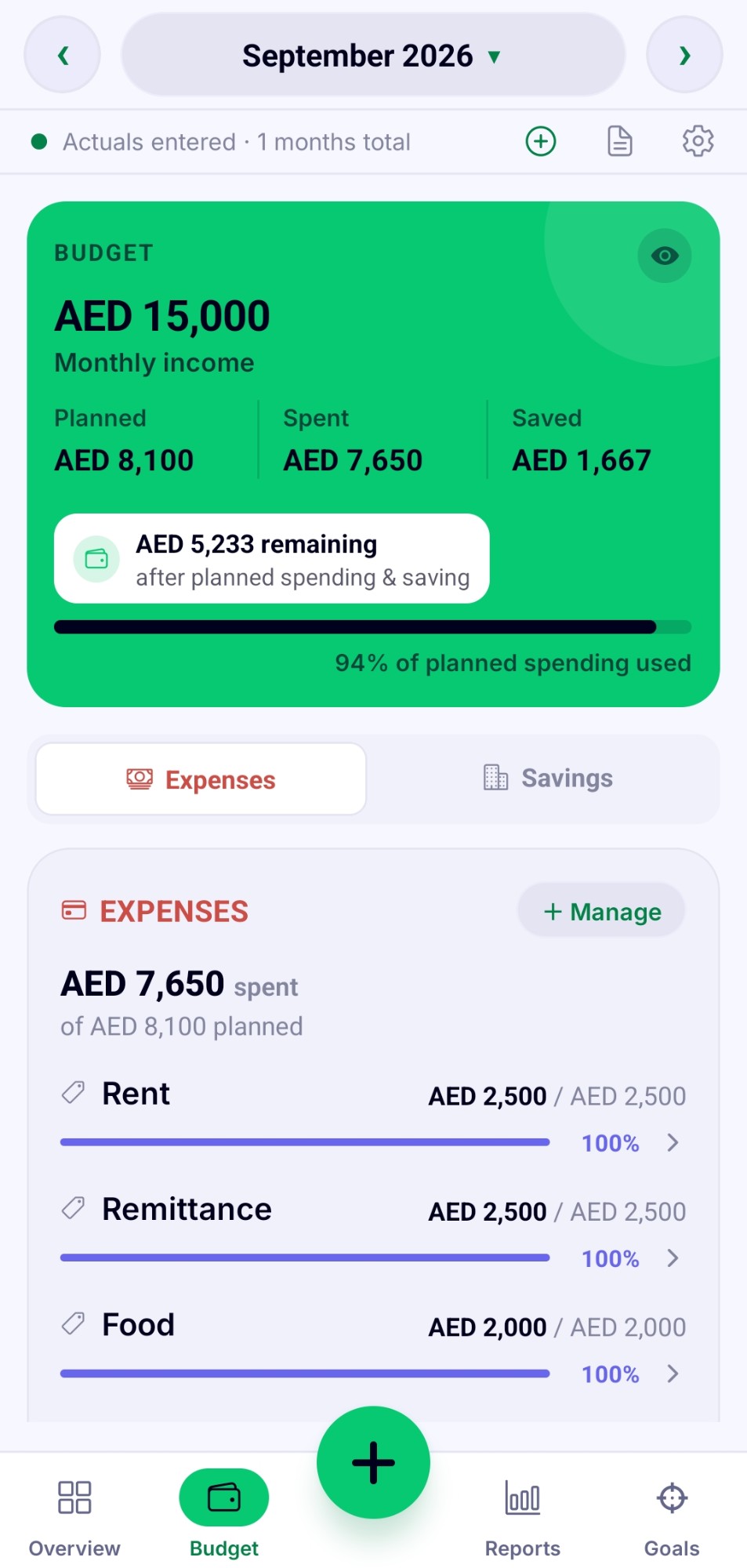
Start with your monthly income. Then plan an amount for each thing you spend on, such as rent, food and transport. As you log spending through the month, the app shows what you planned, what you have spent, what is left, and how much of your plan you have used.
Planned versus actual
A budget that only records spending is just a list. The useful part is seeing the plan and the reality next to each other, line by line, so you can catch a category running hot in week two instead of finding out at the end of the month.
What to look for in a budgeting app
Comparing budgeting apps? These are the questions worth asking, whichever app you end up choosing:
- Does it need your bank login? Bank syncing saves typing, but it means giving a third party access to your accounts. Manual apps trade some convenience for privacy.
- Where is your data stored? On your device, or on the company's servers.
- How does it charge? A subscription, a one-time purchase, or free with ads. Check what sits behind the paywall before you commit.
- Does it show planned against actual? That comparison is what turns tracking into budgeting.
- Can you back up and export? You should be able to get your own data out.
ObsyMint Goals answers those this way: no bank login, data stored on your device, free with ads and a one-time Pro upgrade, planned against actual on every budget, and password-protected backups and exports.
Automatic calculation
Change your income or any budget line and everything downstream recalculates instantly. There is no calculator to open and no formula to fix.
Get started in a few minutes
- Install ObsyMint Goals from Google Play.
- Set a PIN and pick your currency.
- Add your monthly income.
- Add a budget line for each thing you spend on.
- Log spending as it happens and watch what is left.
Common questions
What is the best budgeting app?
There is no single best app for everyone. It depends on whether you want automatic bank syncing or manual control, and how much you care about privacy. ObsyMint Goals is built for people who want manual control, no account and no bank login.
Is there a budgeting app that works without a bank login?
Yes. ObsyMint Goals never asks for your bank login. You enter your own income and spending.
Can I use my own currency?
Yes. The app supports the currency of every country, and you pick yours when you set it up.
How much does it cost?
It is free to use, with ads. A one-time Pro upgrade unlocks unlimited Goals, Loans & Bills and Smart Calculation, and removes ads. There is no subscription.