
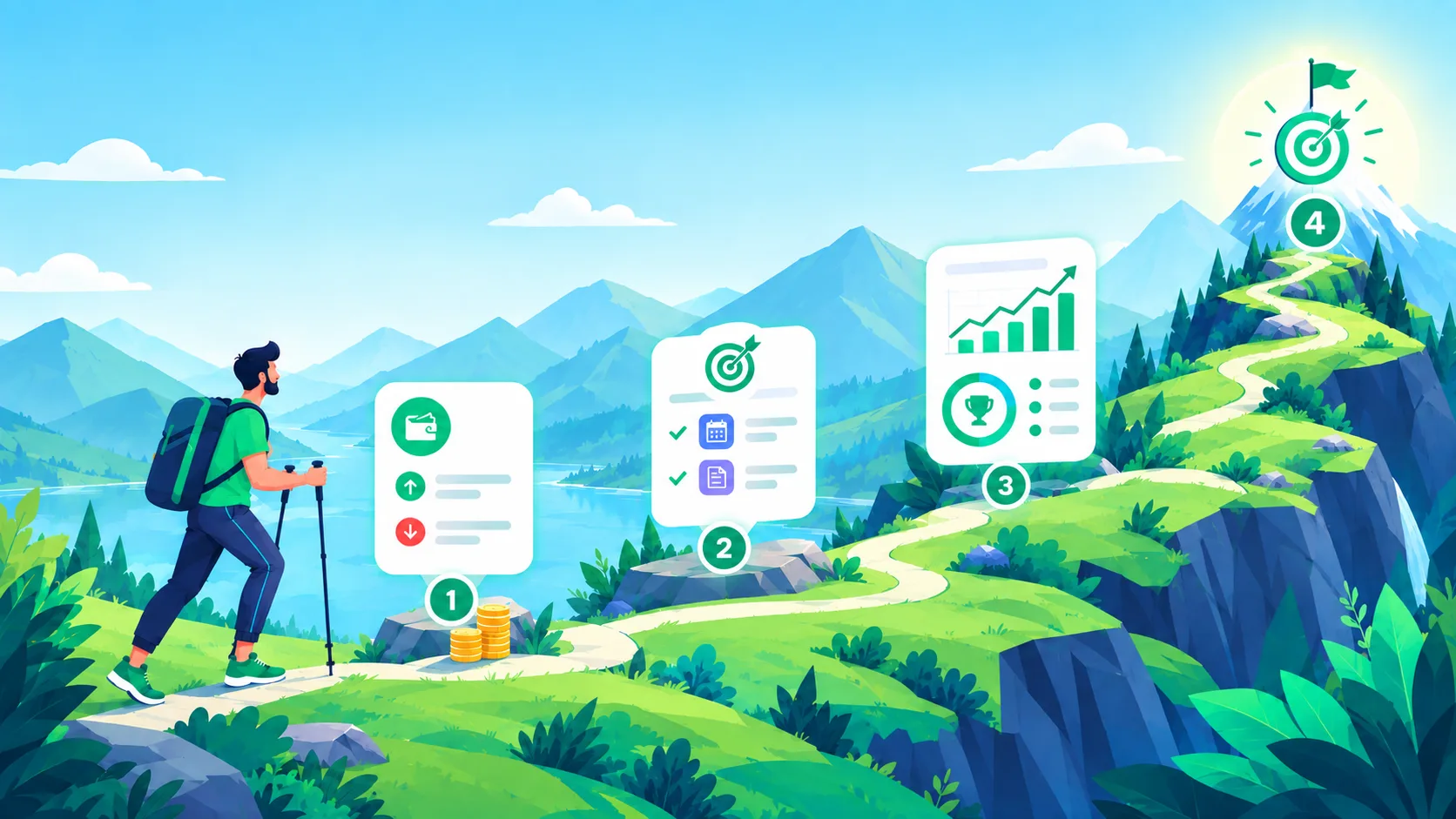
From download to your first real budget
No account to make and nothing to sync. Just set a PIN, pick your currency, and you're in.
Six steps from download to your first report
-
Download the app
Grab it from Google Play. No account, no sign-up screen. You're straight in.
-
Add what you're working with
Type in your income, your budgets, whatever you're already juggling. It stays on your phone and gets encrypted the moment you save it.
-
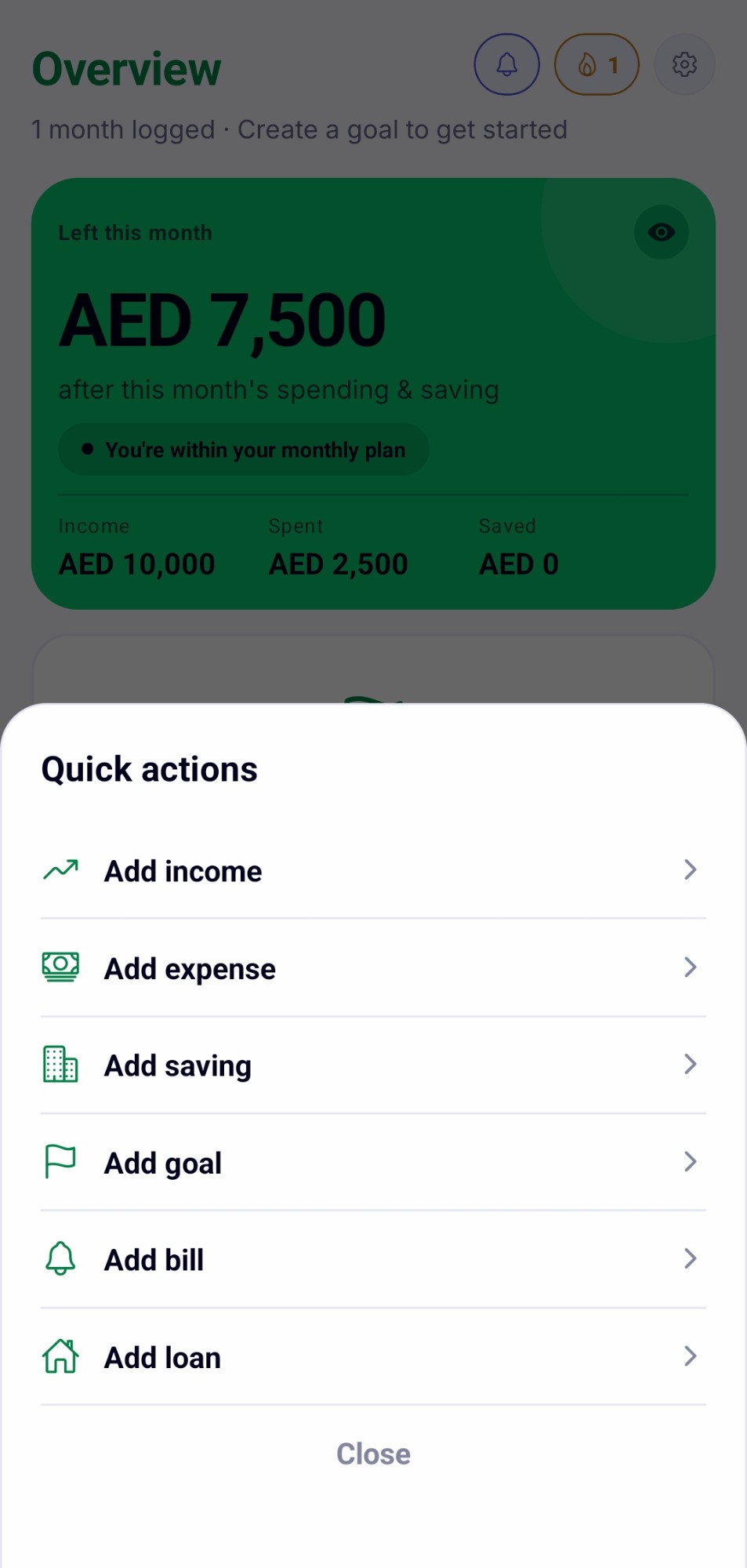
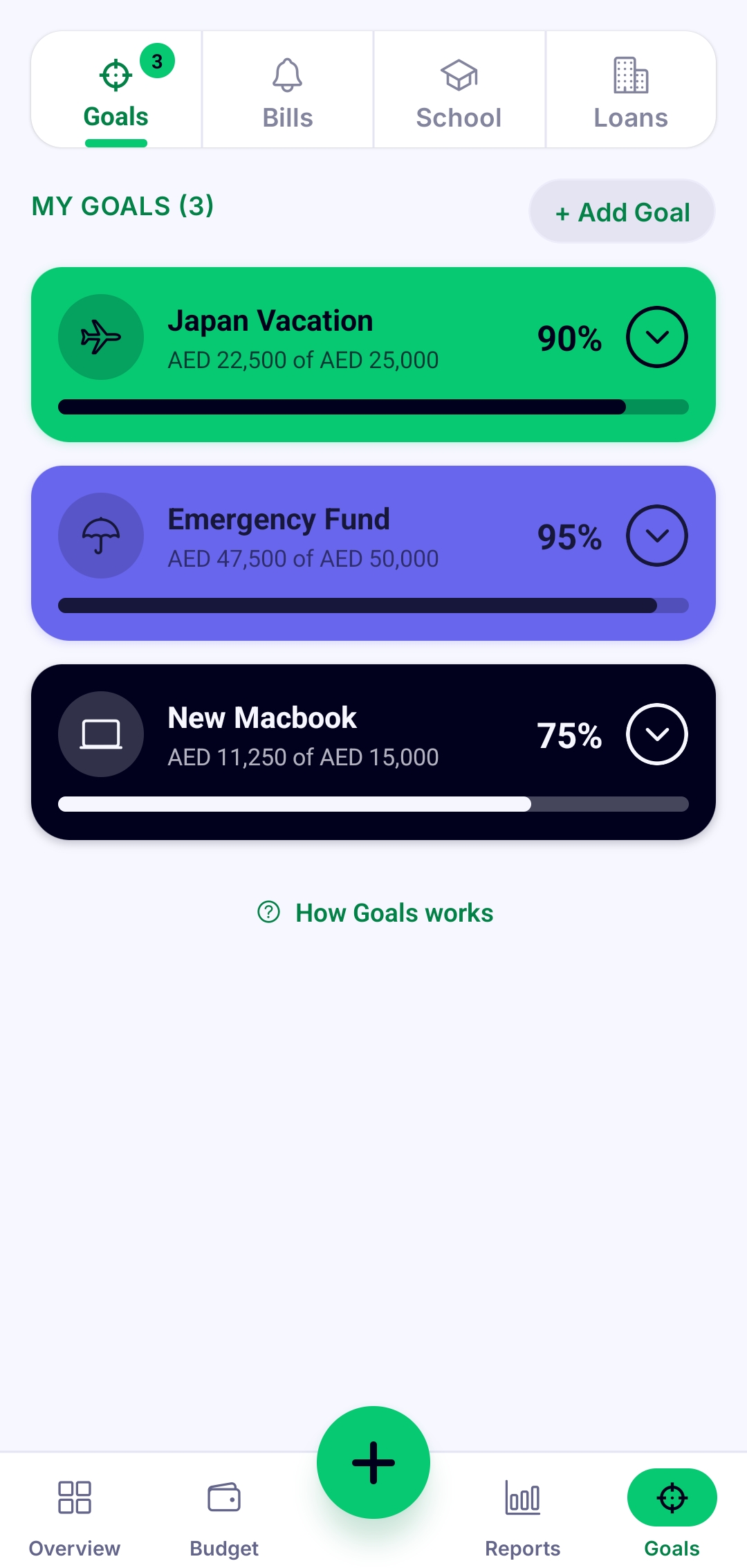
Set your budgets, goals, bills, loans and school fees
Build a monthly budget, set a savings goal, and add the bills, loans and school fees you actually need to keep an eye on.
-
Watch it update
Log a purchase or a payment and your budget, your goals, and your payoff progress move right along with it.
-
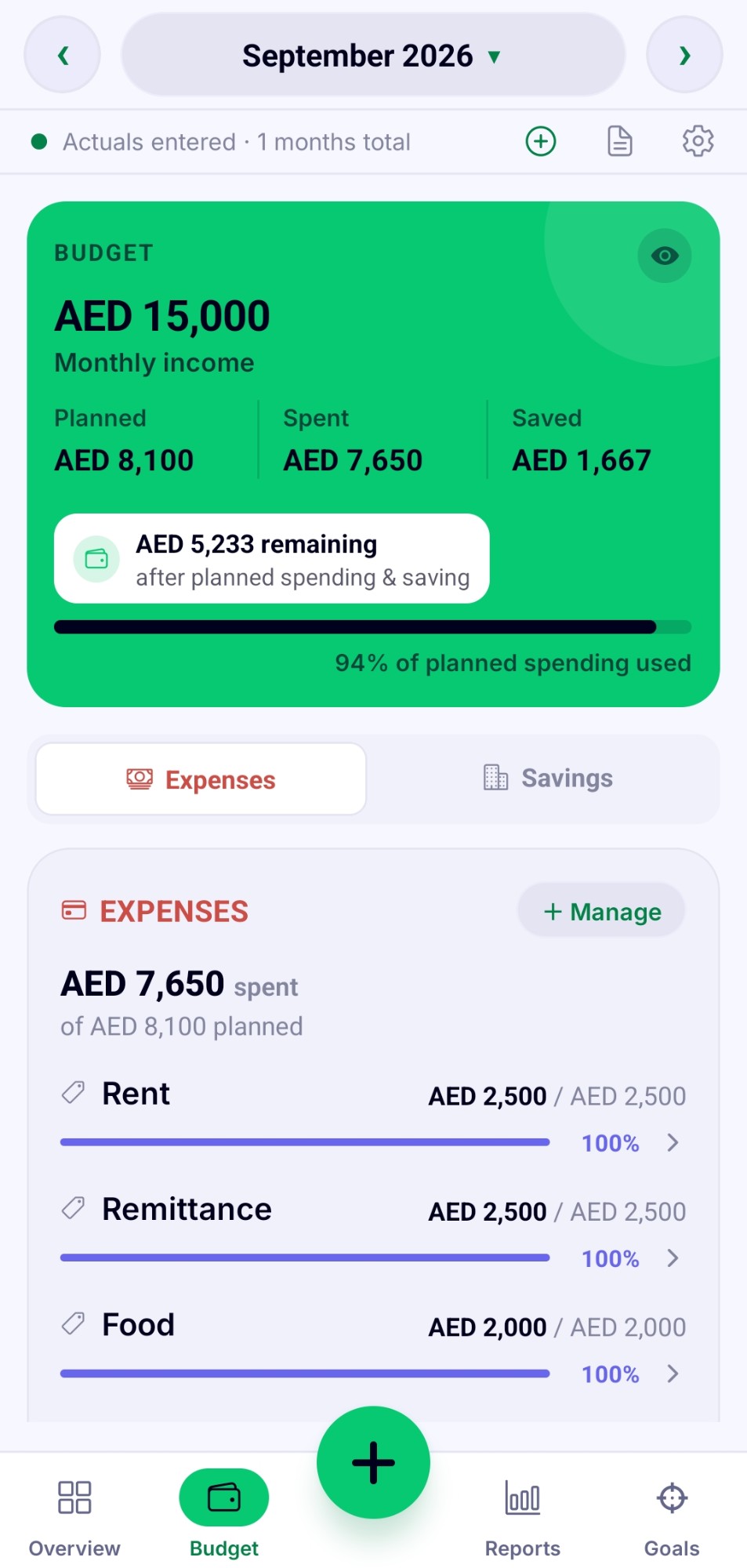
Check your reports
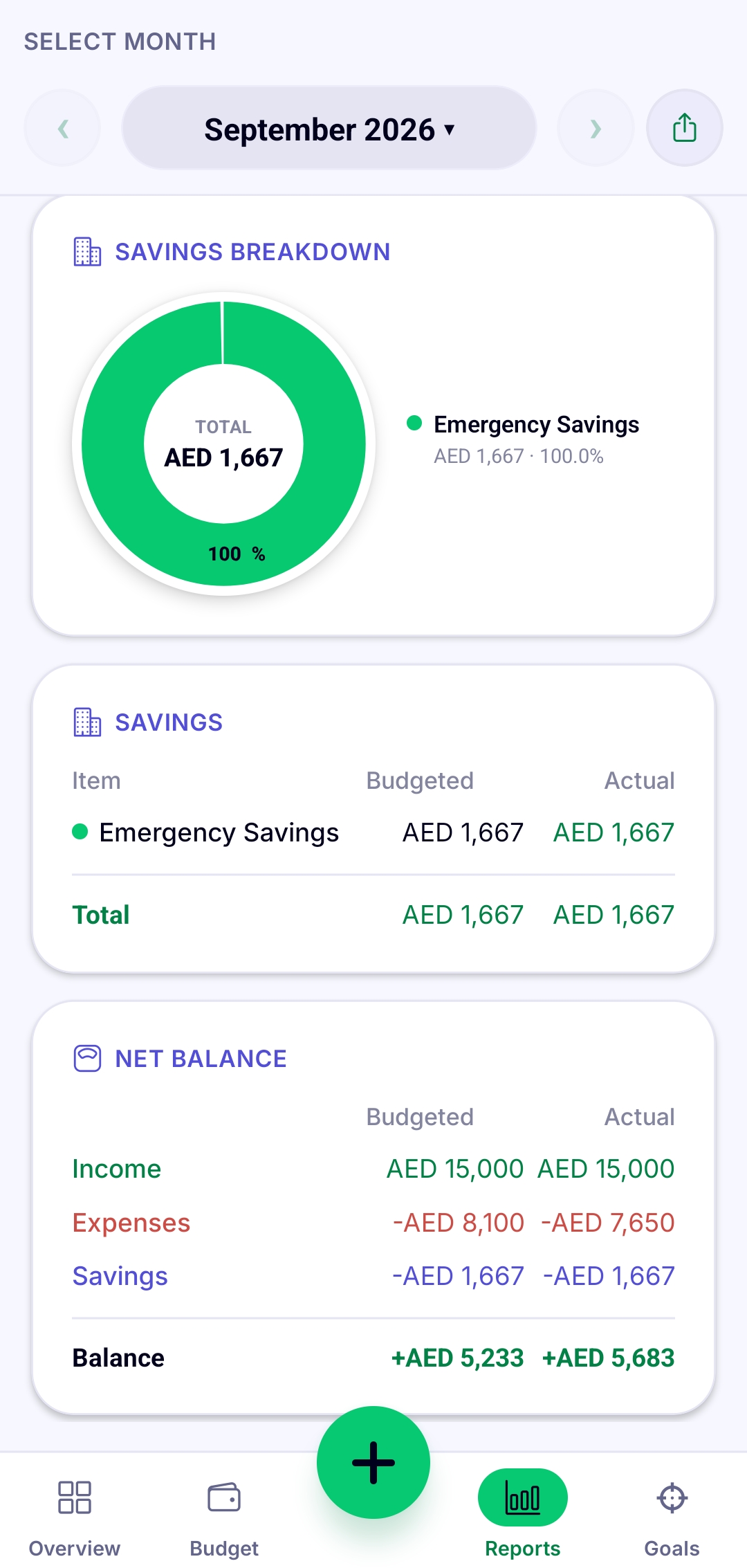
See budget versus actual and get the real picture of where your money went, not the story you told yourself.
-
Back it up whenever
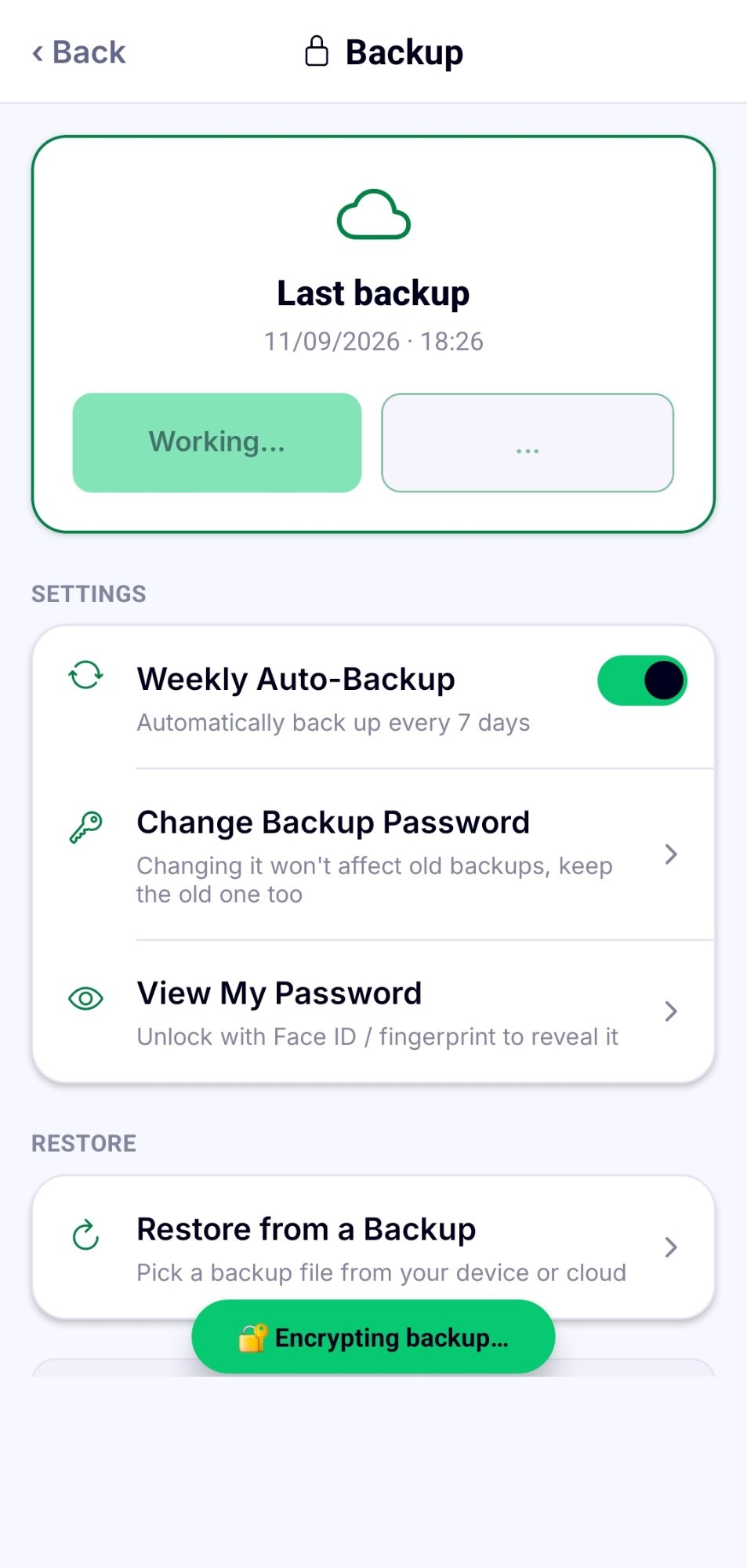
Make a password protected backup or export a report the moment you need one. Otherwise, it just sits there quietly, doing its job.
That's genuinely it
Everything above happens right there on your phone. There's no server to configure, because there isn't one.