
To save for a house, decide the total you need, choose a date, and divide the total by the months until then to get a monthly amount. Then give that amount its own line in your budget and track your progress every month. ObsyMint Goals does this with a goal that has a target, a date and a progress bar.
Step by step
- Work out your target. Include the deposit, purchase and legal fees, and moving and furnishing costs.
- Choose a date. A goal without a date is easy to postpone.
- Divide the target by the months left. Example: a target of 60,000 in 24 months means 2,500 a month. That is an example, use your own numbers.
- Give that amount its own budget line, so it is planned instead of left to whatever remains.
- Check your progress every month and adjust the plan if your income or costs change.
What to include in your target
Deposit requirements and fees vary by country and lender, so check yours before you set a number. A realistic target usually covers:
- The deposit or down payment.
- Purchase, legal and registration fees.
- Moving and furnishing costs.
- A small buffer for surprises.
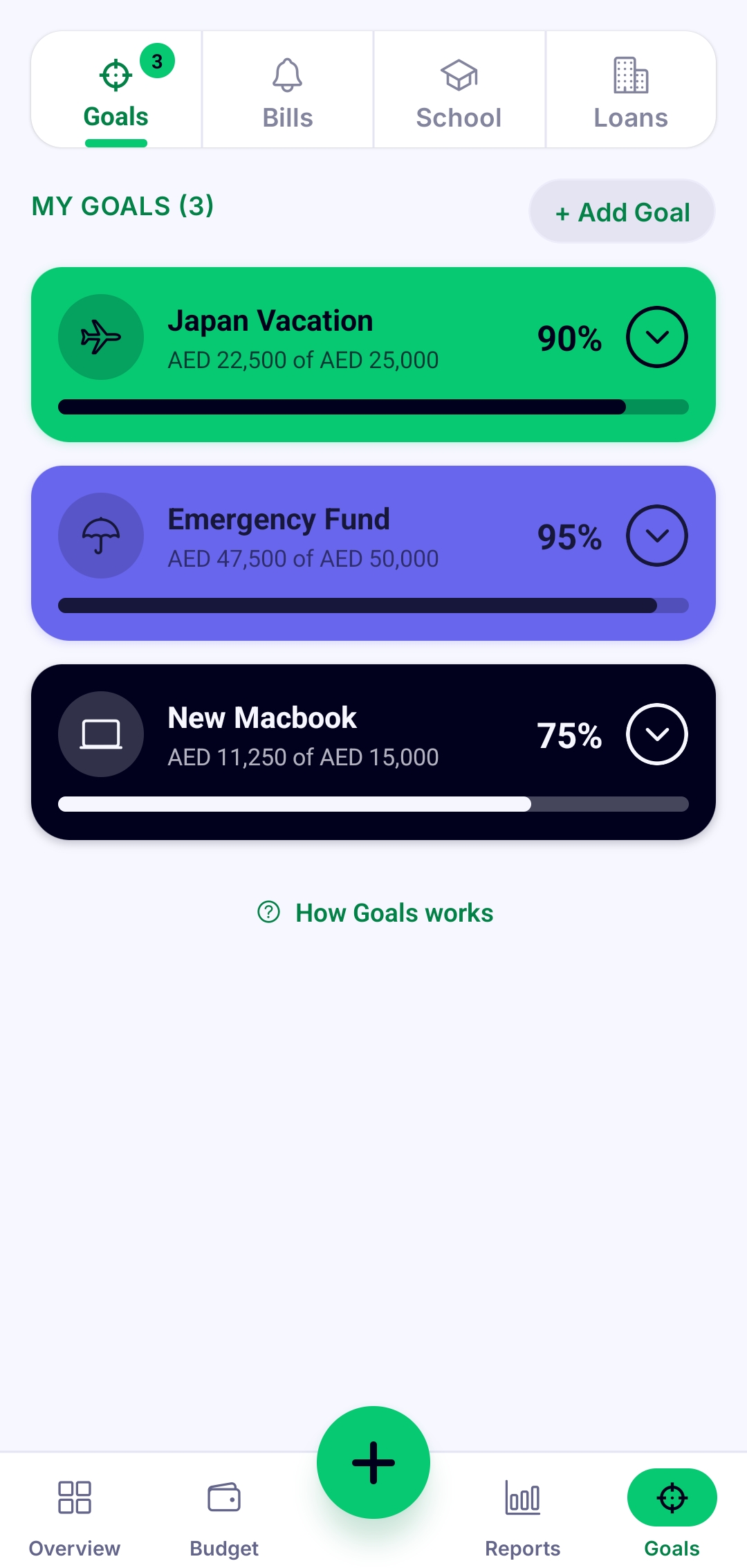
Do it in ObsyMint Goals
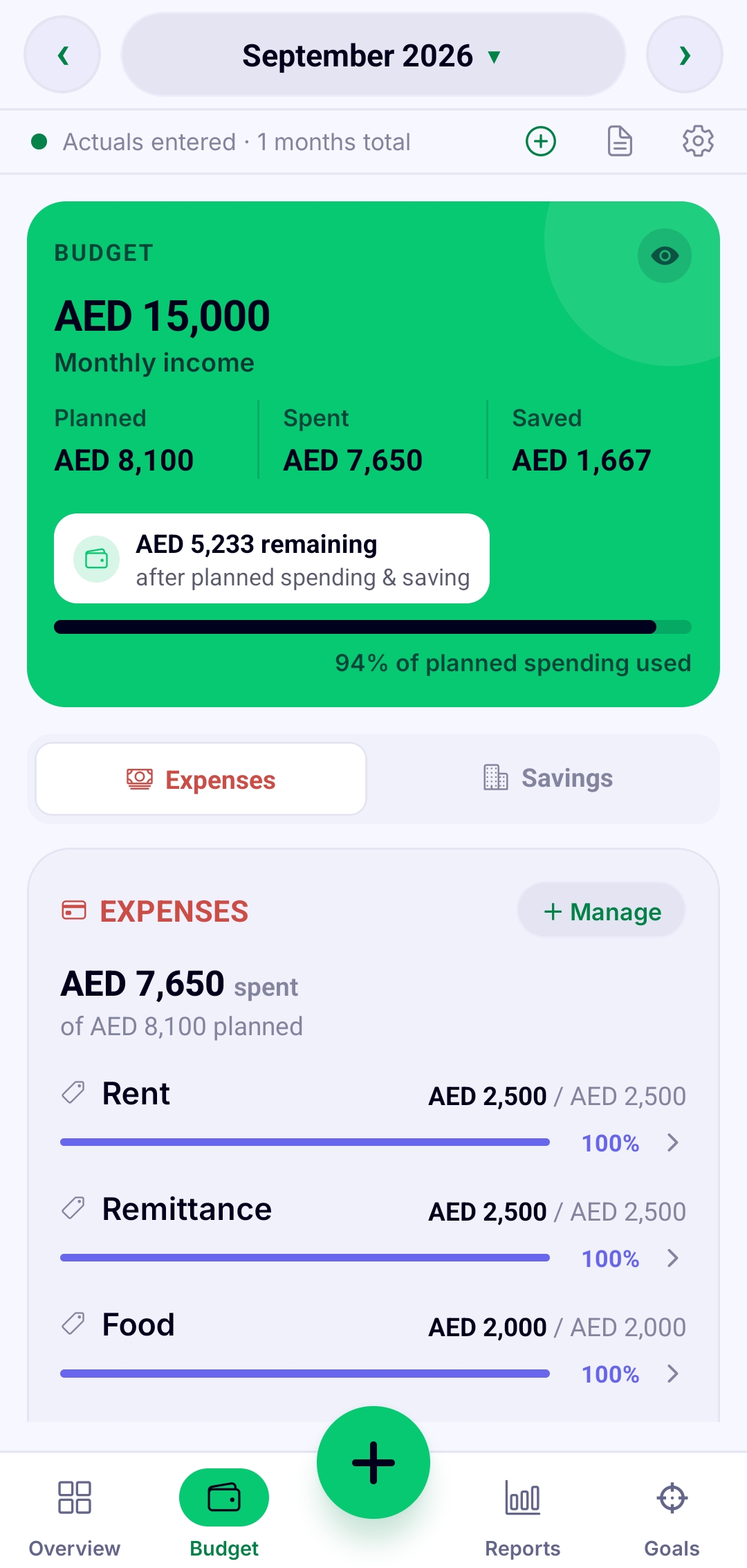
Create a goal for your house deposit with a target and a date. Each time you put money toward it, log it and the progress bar moves. Add a budget line for the monthly amount, so the goal sits next to your rent, bills and everyday spending instead of competing with them.
When a month goes wrong
Missing a month is normal, and it does not mean the goal has failed. Add the shortfall to later months or move the date, and keep going. Adjusting the plan beats abandoning it.
Related guides
See the savings goals app guide, learn how to plan a monthly budget, or read how to save for a car.
Common questions
How much should I save each month for a house?
Divide your target by the number of months until your date. For example, 60,000 over 24 months is 2,500 a month. Use your own target and timeline.
How do I save for a home deposit?
Set a deposit target and a date, give the monthly amount its own budget line, and track your progress. Deposit requirements vary, so check with your lender.
Can I track a house goal in ObsyMint Goals?
Yes. Create a goal with a target and a date and log each contribution. The progress bar moves as you save.
Is ObsyMint Goals free?
It is free to use, with ads. A one-time Pro upgrade unlocks unlimited Goals, Loans & Bills and Smart Calculation, and removes ads. There is no subscription.