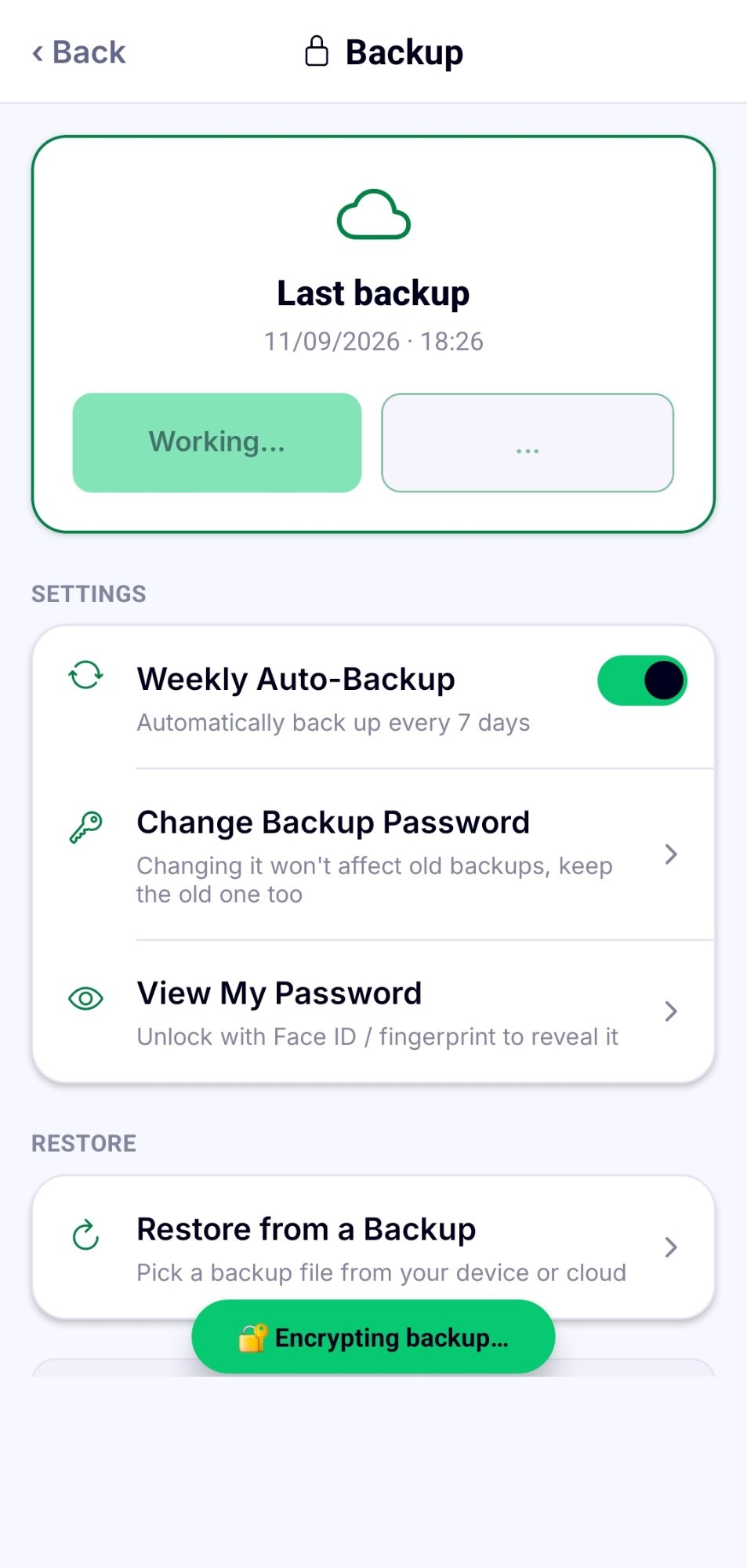
No account, ever.
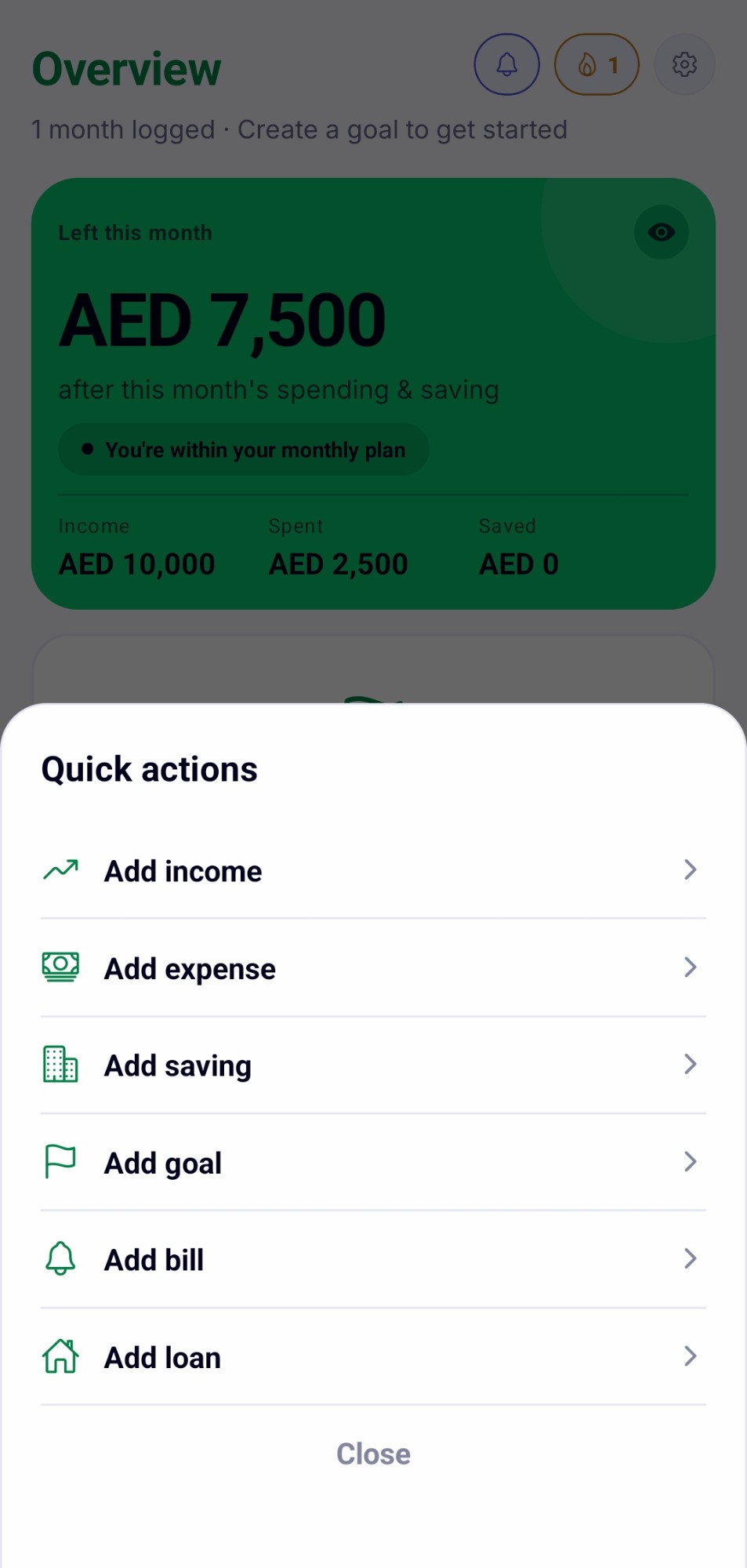
No sign-up, no account to create. Add what matters, income, expenses, goals, bills, right away. Just a PIN or Face ID to keep it private to you.
 ObsyMint Goals
Get the App
ObsyMint Goals
Get the App
Four groups of tools, all pulling from the same encrypted set of data sitting quietly on your phone.
No sign-up, no account to create. Add what matters, income, expenses, goals, bills, right away. Just a PIN or Face ID to keep it private to you.
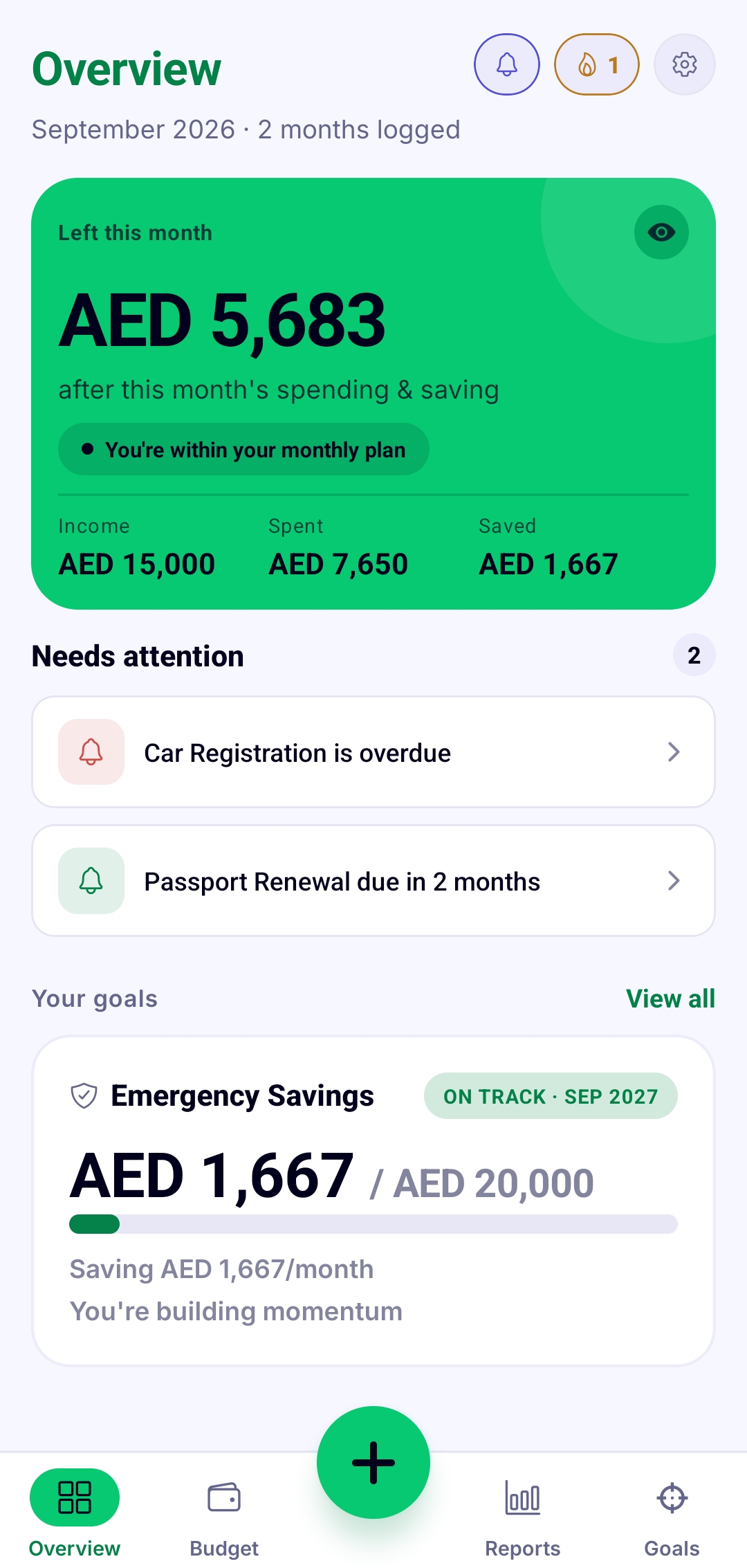
Real screens from ObsyMint Goals, not mockups.
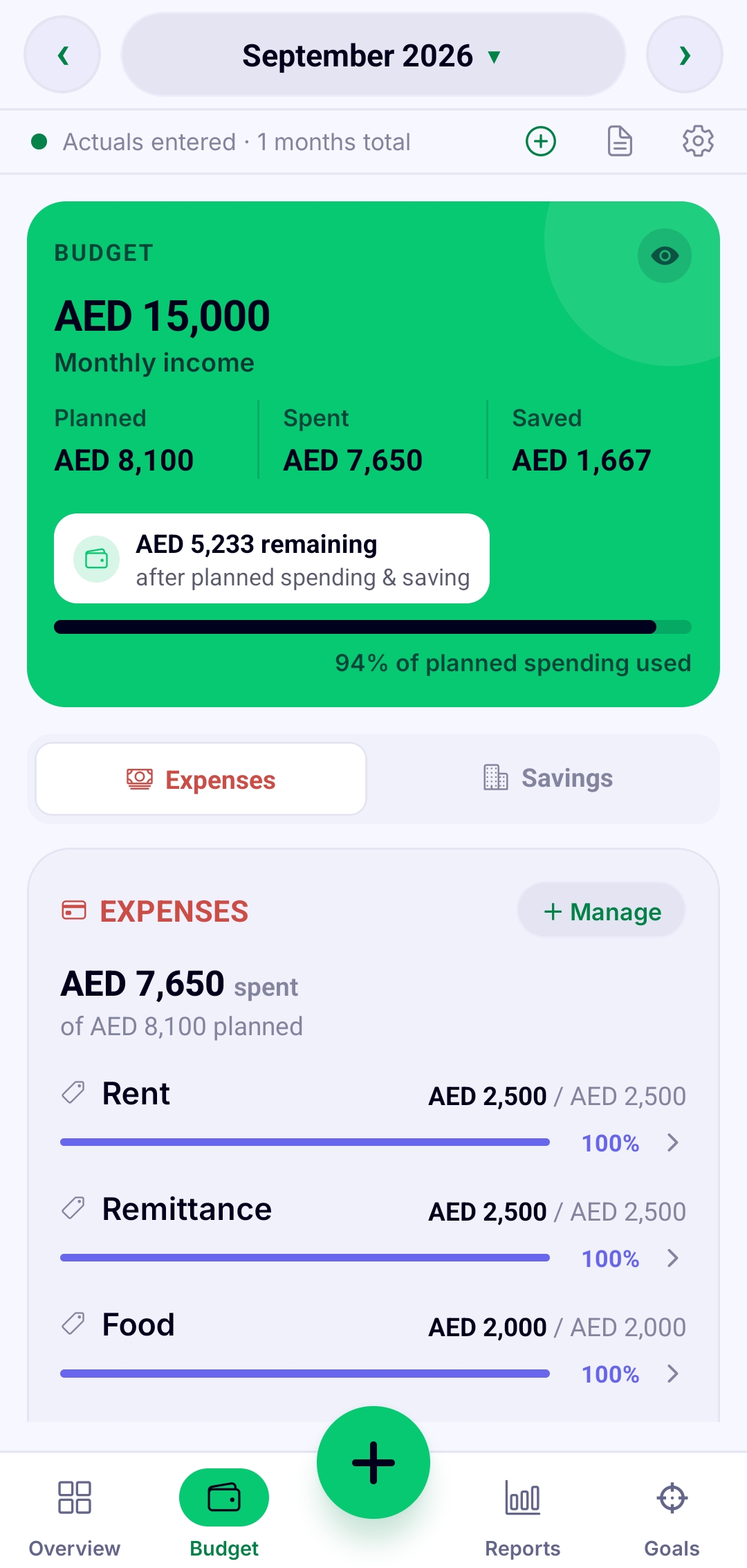
See what you planned to spend right next to what you actually spent, updated the moment you log something. No end-of-month reconciling.
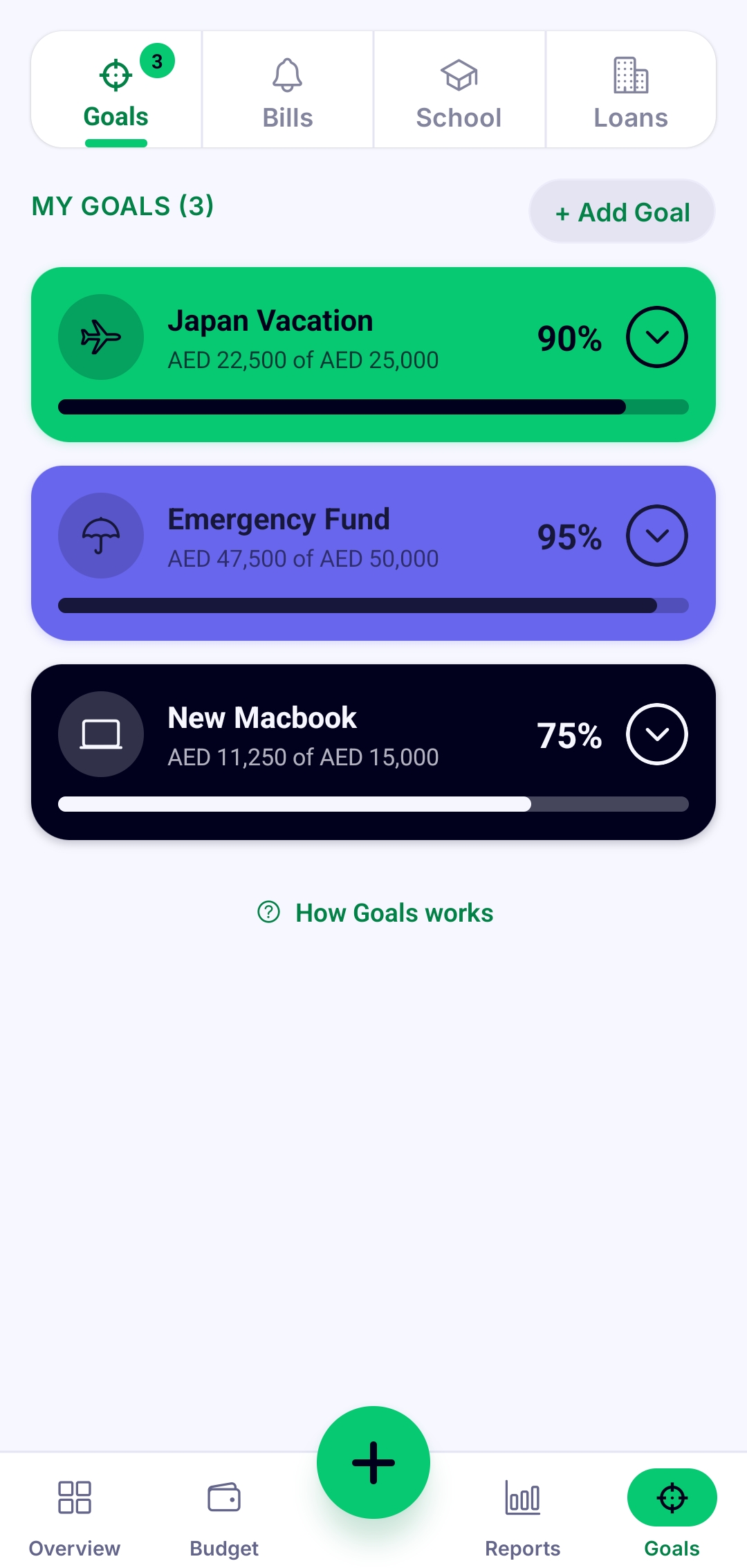
Give a goal a target and a date. Every time you put money toward it, the progress bar moves, so it stops being an abstract wish.
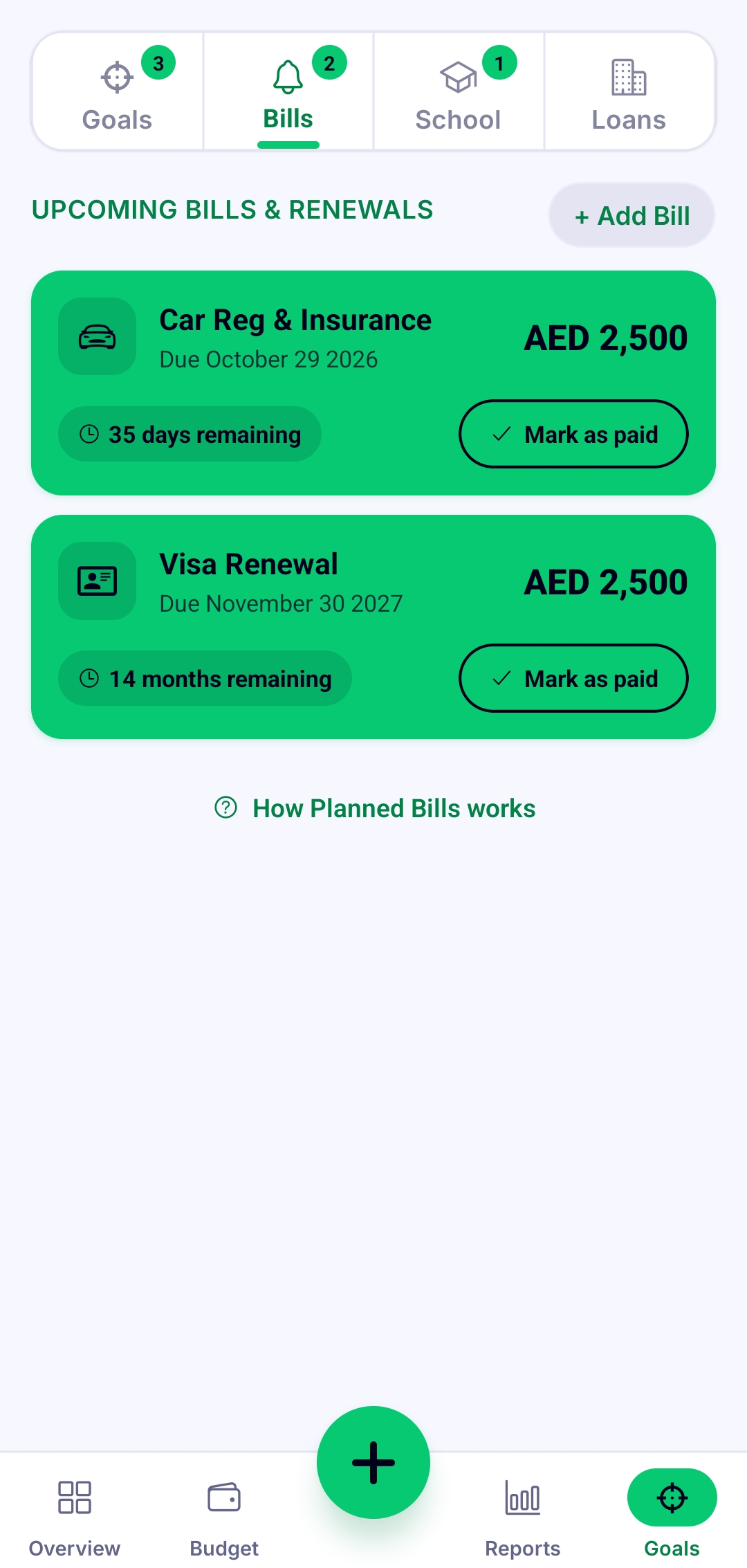
Overdue and upcoming renewals sit at the top with one tap to mark them paid, so nothing slips through by accident.
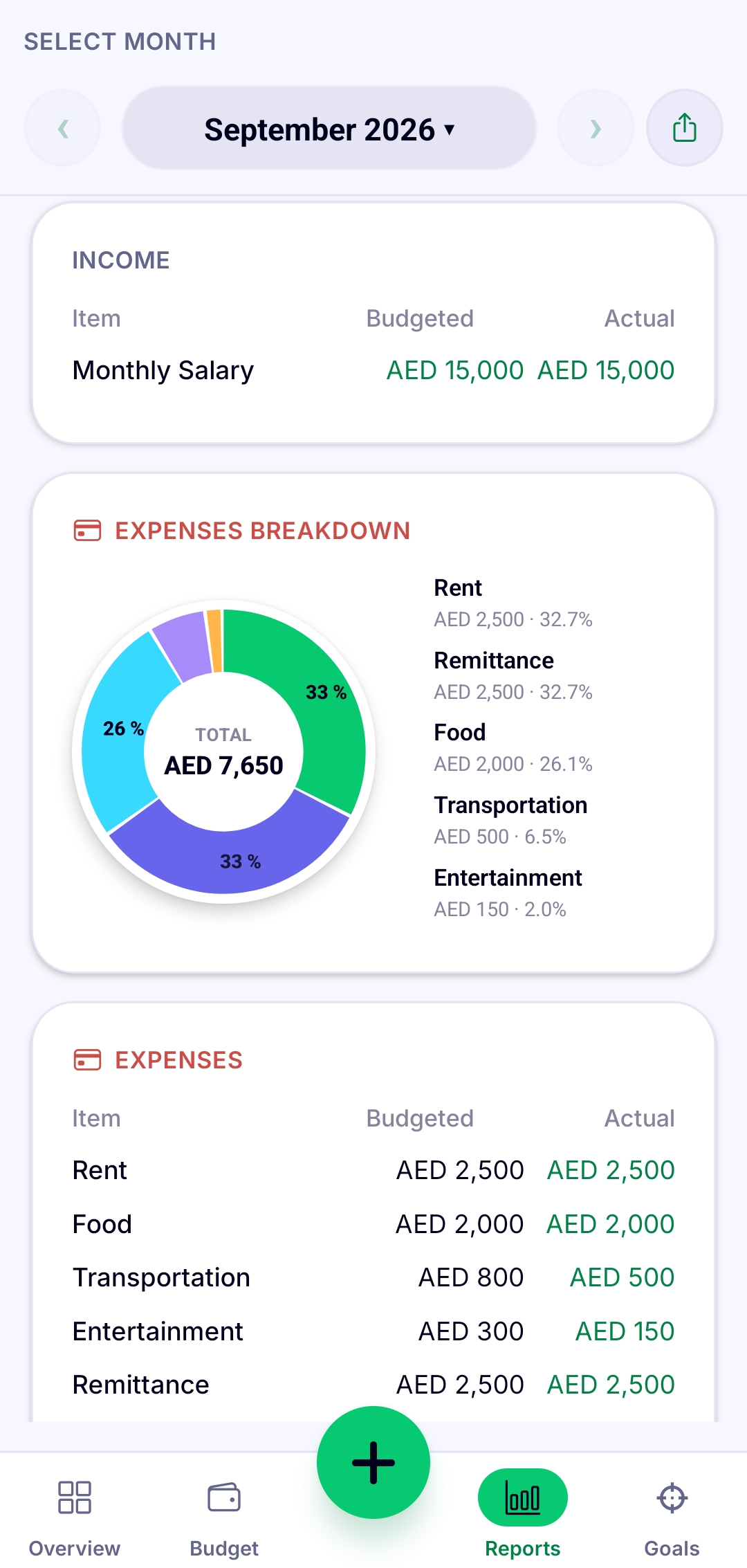
Rent, remittance, food, transportation, entertainment: one report shows the real split, exportable the moment you need it outside the app.
Walk through exactly how ObsyMint Goals fits into your month, from the day you install it to your first real report.
Free to use, with ads. One-time Pro upgrade unlocks unlimited Goals, Loans & Bills, Smart Calculation, and removes ads. No subscriptions.